Post Loop Builder

 May 46 min


 Mar 264 min
The Post Loop Builder is the element for anything data driven: point it at a post type, narrow the query, and lay the results out. It is behind most of the blog listings, portfolio grids, news carousels and "related work" sections in the demos, and through a global section it can also become the blog archive and the related posts under every post.
The query and the layout are separate settings, so the same set of posts can be a masonry grid on one page, a carousel on another and a plain list in a sidebar without touching the content.
Usage
- Add the Element: In the Salient WPBakery page builder, click Add Element and choose Post Loop Builder.
- Choose the Query: Set Select Post Type, then narrow it by category, count, offset and order.
- Pick a Display Type: Grid, Carousel or Stack. This decides the structure and which of the layout settings appear.
- Pick a Display Style: Under the Item Style tab. This decides what a single item looks like, and most of the remaining settings hang off it.
- Choose the Meta: Under Meta Data, turn on categories, excerpt, date, author, reading time and any custom fields.
Display Type
The structure of the whole set. Most of the layout settings depend on which one is chosen.
- Grid A responsive grid of items, with masonry layouts, sortable filters and load more pagination.
- Carousel A horizontal slider with its own column count per breakpoint and the same controls as the Carousel element.
- Stack Items layered on top of each other and revealed as the page scrolls, with an Animation Effect of Overlapping, Scale or Blurred Scale.
Apr 117 min- Grid Item Spacing Choice The gutter between items.
- Grid Item Height Choice A fixed item height for the overlaid style, as a viewport percentage. Subtract Navigation Height keeps a
100vhitem from running under the header. - Featured First Item Toggle Makes the first item span its own full width row above the rest. This is the setting behind most "one big post, then the grid" layouts.
- Enable Sortable Toggle Adds a category filter bar above a grid, with Sortable Filters Alignment and an Active Color. Starting Category picks which filter is active on load.
- Pagination Choice None or Load More, with the button's color.
- Post Animation Choice How items arrive: Fade in from bottom, Fade in from right or Zoom out reveal, with a Stagger in milliseconds and an Easing.
The Stack type has no masonry, filters or pagination, and it turns off image parallax. It is a presentation for a handful of items, not a listing.
Display Style
What one item looks like. Found under the Item Style tab, and it is the setting that decides which of the other Item Style controls apply.
May 4 Apr 28Apr 19Apr 11Apr 2Mar 26
How a tight urban plot became a home with a front on both sides.
May 46 minNotes from a week of early starts above the tree line.
Apr 284 minThree decisions that made a narrow space feel wide.
Apr 195 minHover and color
Apr 19Apr 11Apr 2- Hover Effect Choice For the image styles: BG Zoom, Slow BG Zoom, Animated Underline, Animated Underline Zoom or None.
- Text Color and Text Color Hover Light or dark, each with a custom color, so the text can flip when the image zooms or the overlay changes.
- Text Opacity and Text Hover Opacity For the overlaid style, fading the text in only when hovered.
- Shadow on Hover Toggle Lifts the item on hover.
- Border Radius Choice Rounds every item.
- Add Mouse Indicator Toggle A label that follows the cursor over an item, in a Default, See Through or Small Tooltip style, reading View or Read.
- Enable Image Parallax Toggle Moves the featured images against the scroll. Not available on the Stack type.
What each item shows
Under the Meta Data tab. Every field is independent, so a grid can be as sparse as a title or carry the full byline.
- Display Categories Toggle With a Category Style of Underline, Button or See Through Button, placed Above or Below the title, as clickable links or static text.
- Display Excerpt and Excerpt Length The post excerpt, trimmed to a word count.
- Display Date Toggle The post date in the byline.
- Display Author Toggle The author name and avatar in the byline.
- Display Estimated Reading Time Toggle A reading time worked out from the post's length.
- Custom Fields Any meta field on the post, rendered in the item.
- Post Title Heading Typography and Render Tag Which heading style the title borrows, and which tag it is actually output as, kept separate so a large title need not be an
h2for SEO. - Display Read More Button Toggle A button at the foot of the item, on the image styles.
Query
The first group in the panel, and the one that decides what the layout is showing.
- Select Post Type Choice Posts, portfolio projects, products or any custom post type registered on the site.
- Blog Categories or Project Categories Choice Restrict the query to chosen terms. Leave empty for everything.
- Posts Per Page Number How many items to fetch.
- Post Offset Number Skip the first few. Useful for a featured post above the grid, with the grid starting at the second.
- Order Choice Ascending or descending.
- Orderby Choice Newest first, alphabetical, menu order, random, and so on.
- Ignore Sticky Posts Toggle Stops sticky posts jumping to the front of a date ordered grid.
- Exclude Current Post Toggle On a single post, leaves that post out of a "more like this" grid.
- Remove Links Toggle Renders the items without links, for a display that is not meant to be clicked through.
For a portfolio grid specifically, the Portfolio Plugin page covers the project post type and its metaboxes, which supply the images and categories this element queries.
As your blog archive
A Post Loop Builder placed in a global section assigned to the Blog Archive Loop special location stops being a block on a page and becomes the archive itself. Every post index, category, tag, author and date archive renders through it, using its Display Style and meta settings, and the theme's own blog templates step aside.
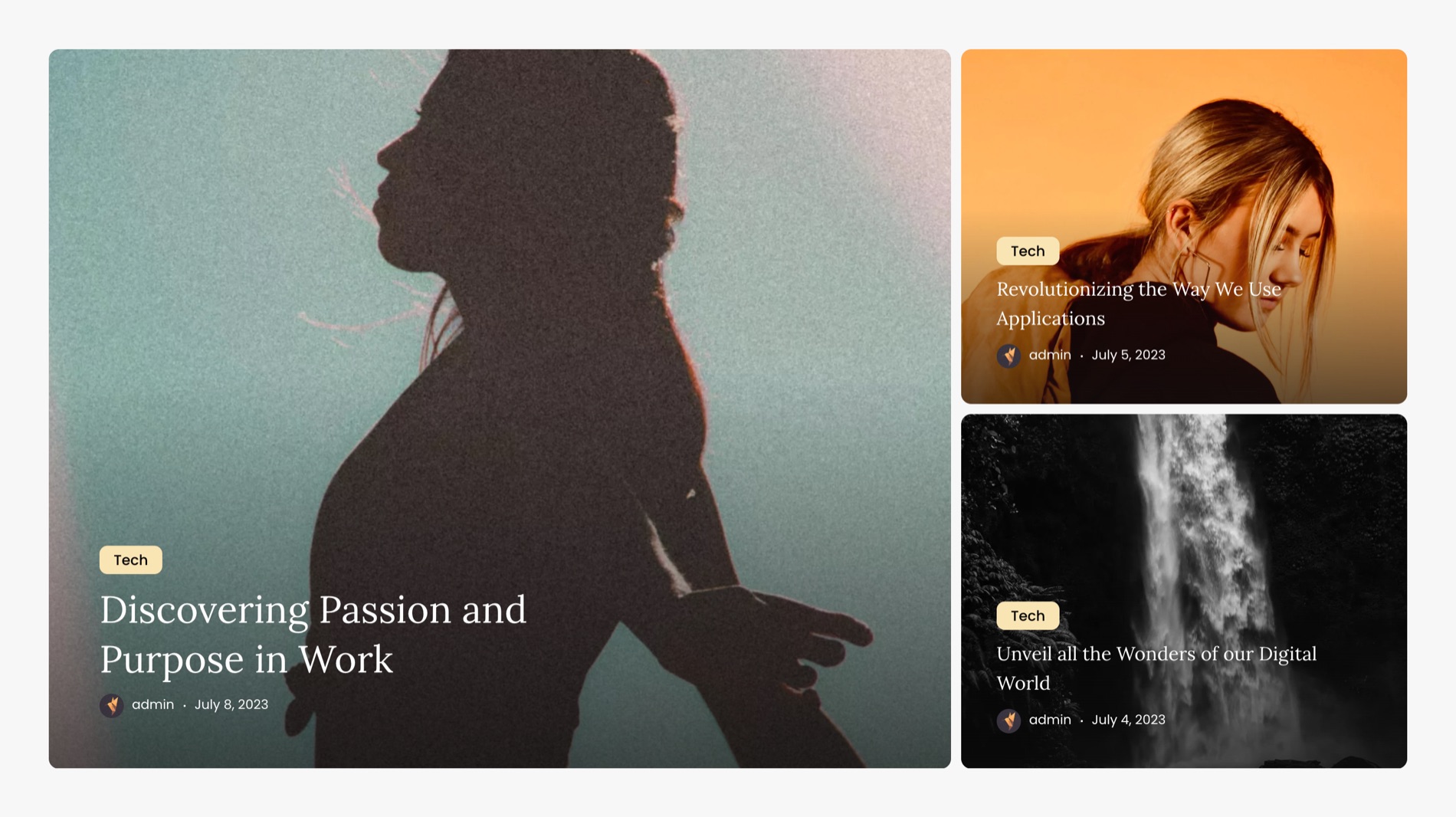
What the element brings with it is the item design: Display Style, Hover Effect, Color Overlay, categories, excerpt, date, author, reading time, read more button, custom fields, card color and image loading. What it does not bring is the query. The archive already has one, WordPress's own, so Posts Per Page, ordering, offsets and the like are ignored here and the usual Reading Settings and archive rules apply. Pagination is the archive's too, which is why Load More and the infinite scroll option do not appear.
Two things change elsewhere once the location is active:
- Blog Format replaces Blog Type In Salient Options > Blog, the Blog Type setting gives way to a Blog Format of Contained, Contained + sidebar or Fullwidth, with a note linking to the global section that now controls the design. Contained + sidebar keeps the sidebar beside the grid and matches the single post to it.
- Related posts use the same element Under every single post, the related posts take the element's Display Style and meta, forced into a three column, non-masonry row of up to four posts, or two columns for the Content Next to Featured Image style.
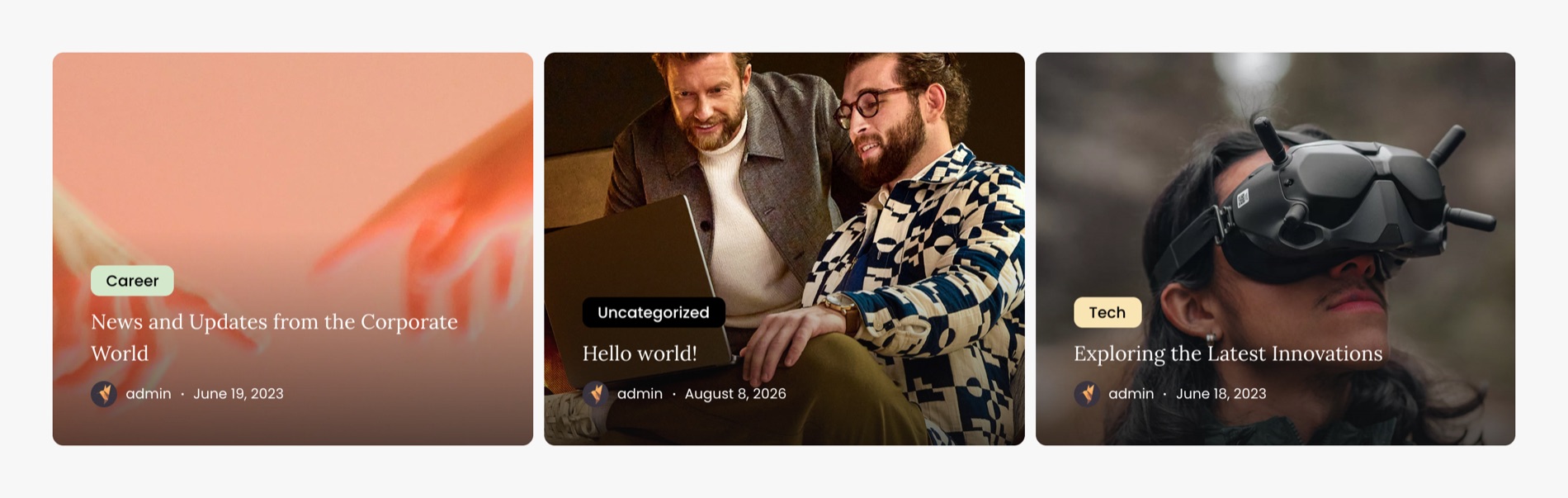
The location reads the first Post Loop Builder in the global section and nothing else. Anything else you place in that section is not rendered on the archive, so keep it to the one element and build the rest of the page elsewhere.
Hooks
For anything the options do not reach, the element fires these. Every one is read from Salient Core's own source; the arguments each receives are listed so a callback can be written against them without reading the plugin.
| Hook | Description | Type |
|---|---|---|
nectar_post_grid_query | The query arguments, before the loop runs | Filter |
nectar_post_grid_post_types | Which post types the element offers in its dropdown | Filter |
salient_el_post_grid_portfolio_query | The query arguments when the source is the portfolio | Filter |
nectar_post_grid_excerpt | The excerpt text for an item | Filter |
nectar_post_grid_item_image | The item's image markup | Filter |
nectar_post_grid_category_markup | The rendered category markup, also given the element's attributes | Filter |
nectar_post_grid_category_term_order | Whether term order is respected, true when a term ordering plugin is active | Filter |
nectar_post_grid_custom_field_value | A custom field's value, also given the meta key and post ID | Filter |
nectar_post_grid_render_meta_key | Whether a given meta key renders, also given the key and the post | Filter |
nectar_post_grid_item_content_markup_before | Before an item's content markup | Action |
nectar_post_grid_item_bg_markup_after | After an item's background markup | Action |
nectar_blog_post_grid_item_start | Start of a blog item, given the element's attributes and its query | Action |
nectar_blog_post_grid_item_end | End of a blog item | Action |
The general hook reference is on the Developer page.